

Map View - Street View
Click Layers in the bottom-left of the map, then toggle Street View on. The map doesn't jump straight into Street View. It first highlights which roads and areas have Street View coverage available, tinting the rest of the map so you can see where you can and can't go.
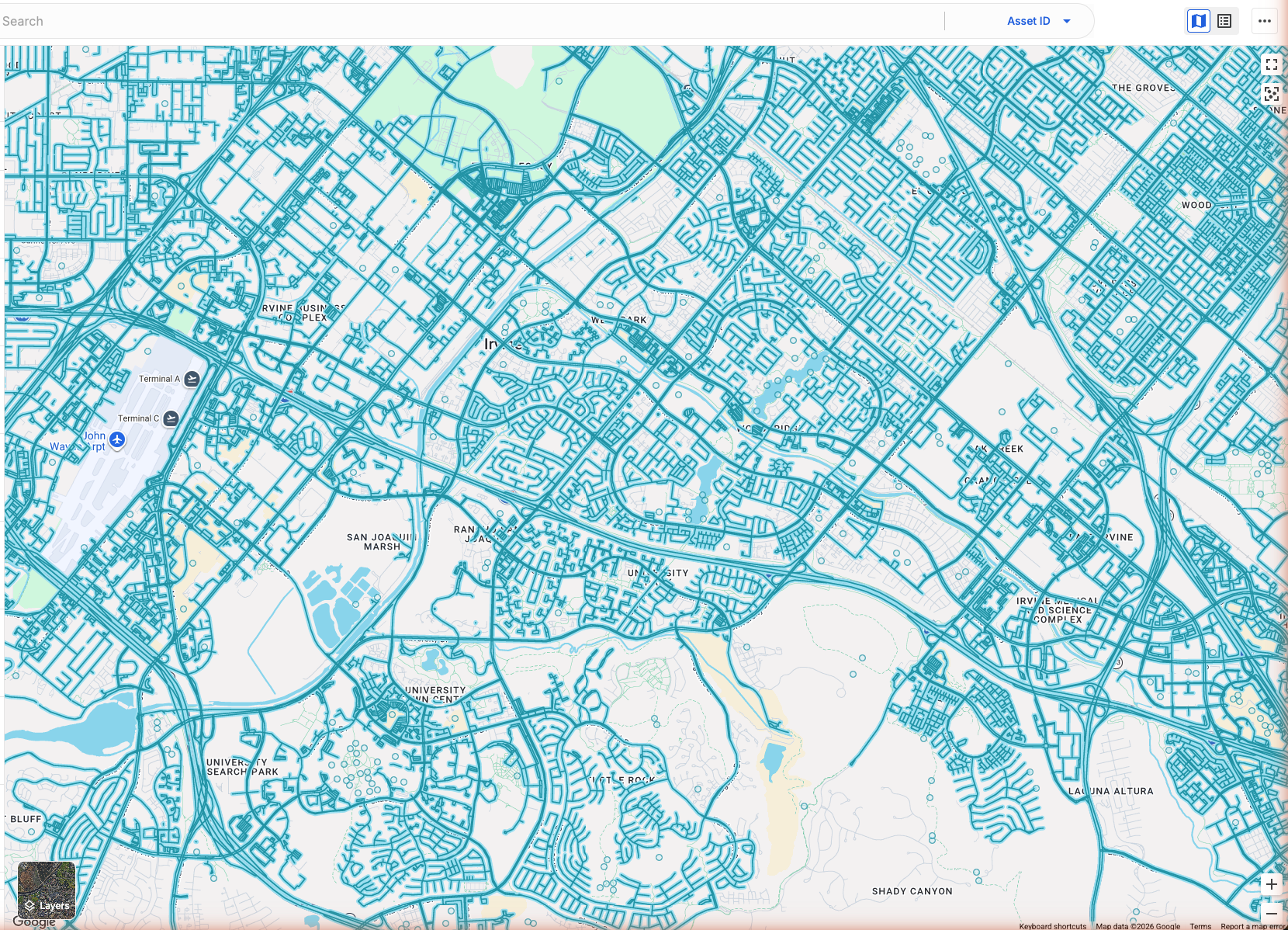
Entering Street View
Click anywhere on a highlighted road or area to enter the immersive Street View mode. Once you're in, the Layers control is hidden, and a Back to map button appears in the top-left corner. Click it to return to the standard map view.

When coverage isn't available
Street View may show a message if coverage is unavailable:
Zoom in to see Street View coverage.
No Street View imagery was found near this location.
No Street View available.
Related articles
Map View - Map Controls
Was this helpful?
Was this helpful?