

Map View - Map Controls
A set of custom map controls appears in the bottom-right corner of the map for quick navigation.
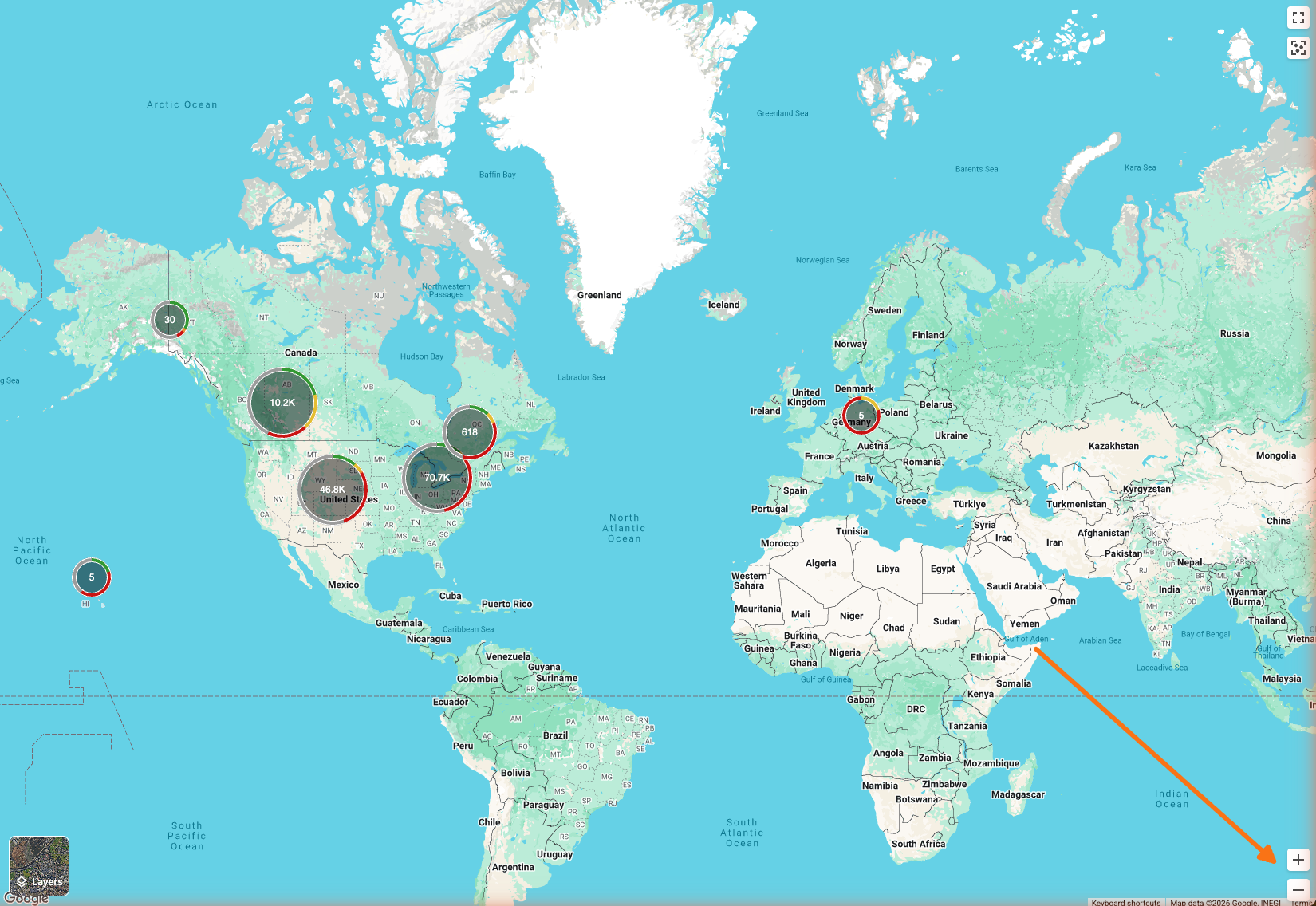
Zoom in and zoom out
Click the plus sign to zoom in and the minus sign to zoom out. The map centers on the current view while adjusting the zoom level.
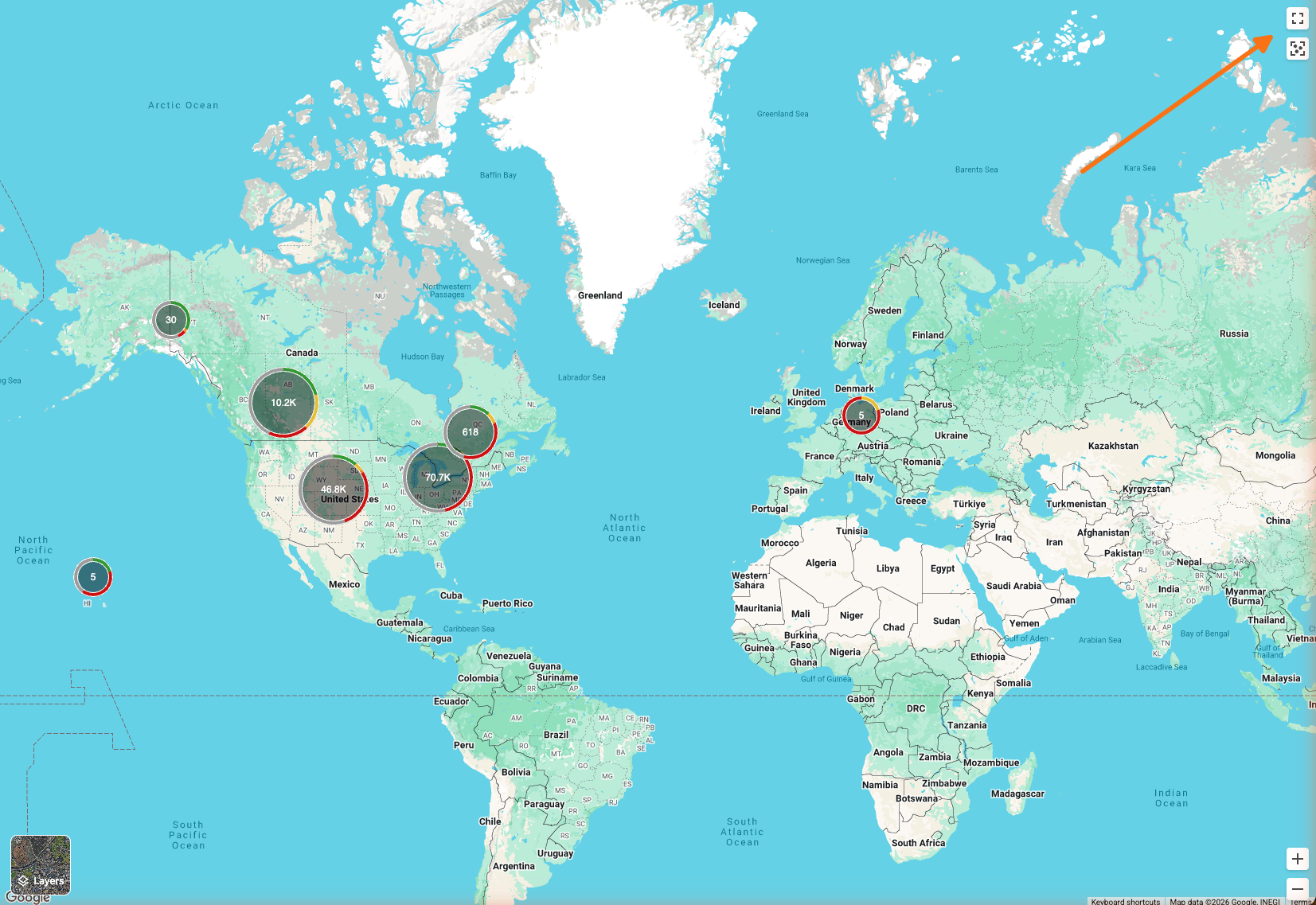
Fullscreen
Click the fullscreen button (square with outward arrows) to expand the map to fill the entire screen. In fullscreen mode, the button changes to a minimize icon. Click it again to exit fullscreen and return to the normal workspace layout.
Related articles
Was this helpful?
Was this helpful?