

Asset Summary Panel - Asset Settings
The Asset Settings page holds the full identification, manufacturer, and configuration details for an asset. Open it by clicking the gear icon in the Asset Summary Panel header.
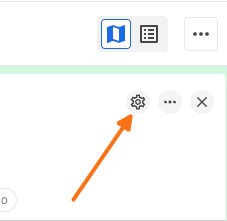
What's on the page
Asset Settings is a separate, full page (not part of the side panel) organized into the following sections:
Asset Identification – includes identifiers such as VIN and IMEI
Manufacturer Info – manufacturer and model
Lifecycle & Maintenance – includes odometer reading
Physical Properties
Trailer configurations (for trailer-type assets)
Related Articles
Was this helpful?
Was this helpful?